


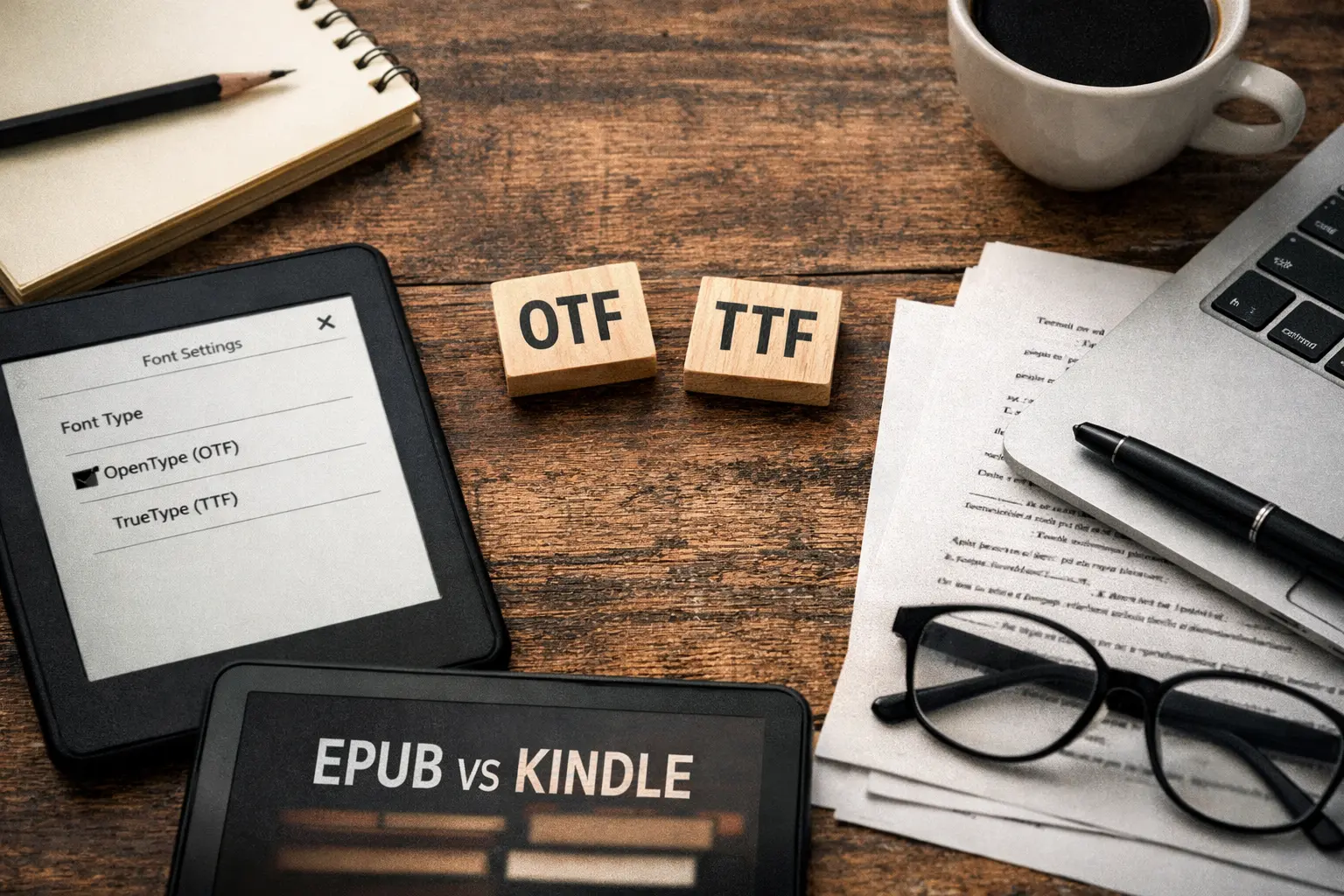
If you are publishing an eBook, choosing the right font format can sound more complicated than it really is. Many authors and publishers assume they need to pick a clear winner between OTF and TTF. In reality, both formats are supported in modern eBook workflows. The better question is which one makes more sense for your font, your book, and the reading experience you want to deliver.
For most eBooks, especially reflowable EPUB and Kindle books, the format itself is only part of the story. Readability, licensing, device behavior, and reader preferences matter just as much.
What is the difference between OTF and TTF?
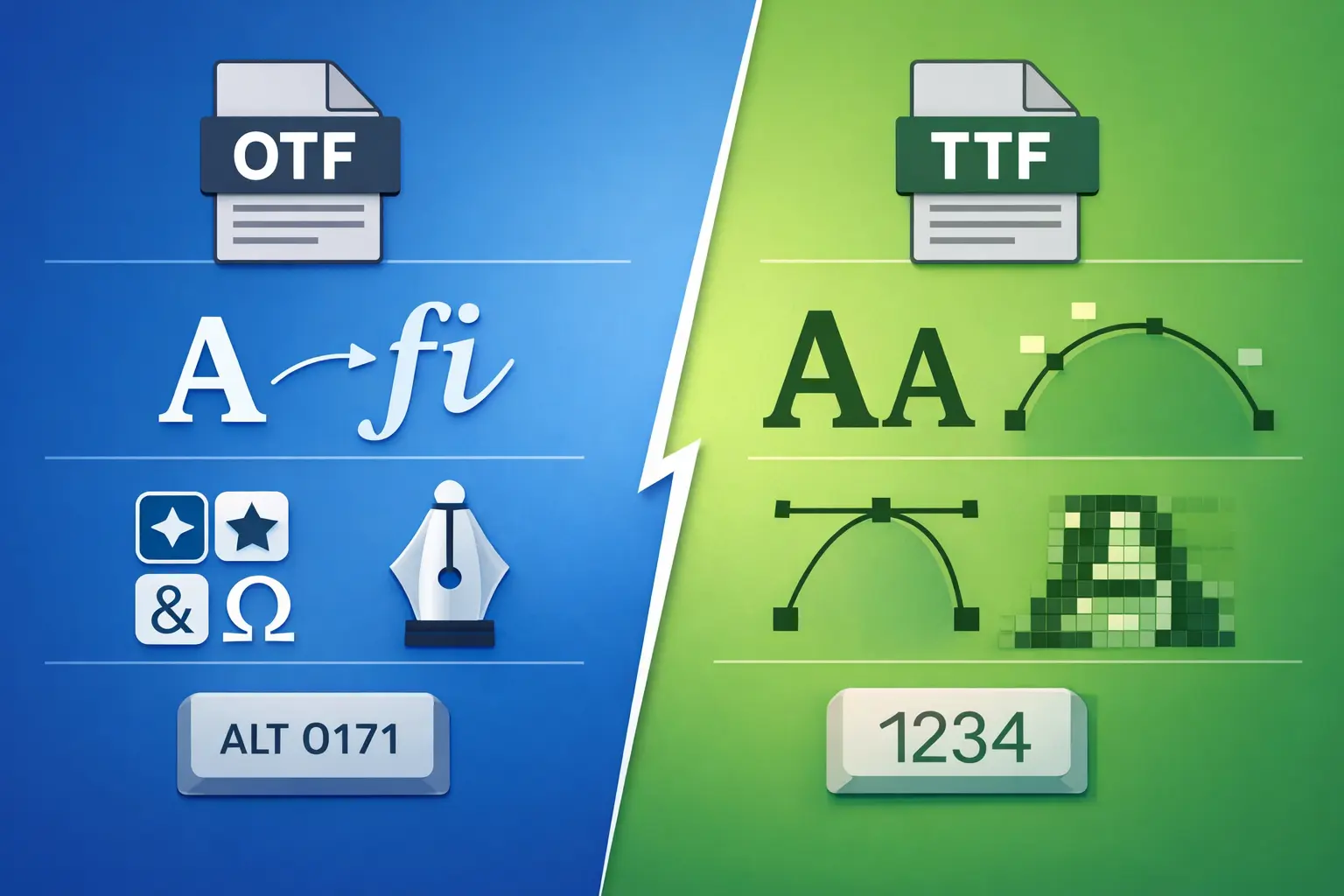
TTF stands for TrueType Font. OTF stands for OpenType Font. TrueType came first, and OpenType was later developed as an extension of that foundation.
What makes this confusing is that OTF and TTF are not always opposites. OpenType is a broader font format, and it can work with different kinds of outline data. In practice, that means a font with TrueType outlines may appear as either .ttf or .otf, while a font with only CFF outline data should use .otf.
So when people search for "OTF vs TTF for eBooks," they are often really asking a different question: which font file will be more reliable for digital publishing?
Do EPUB and Kindle support both?
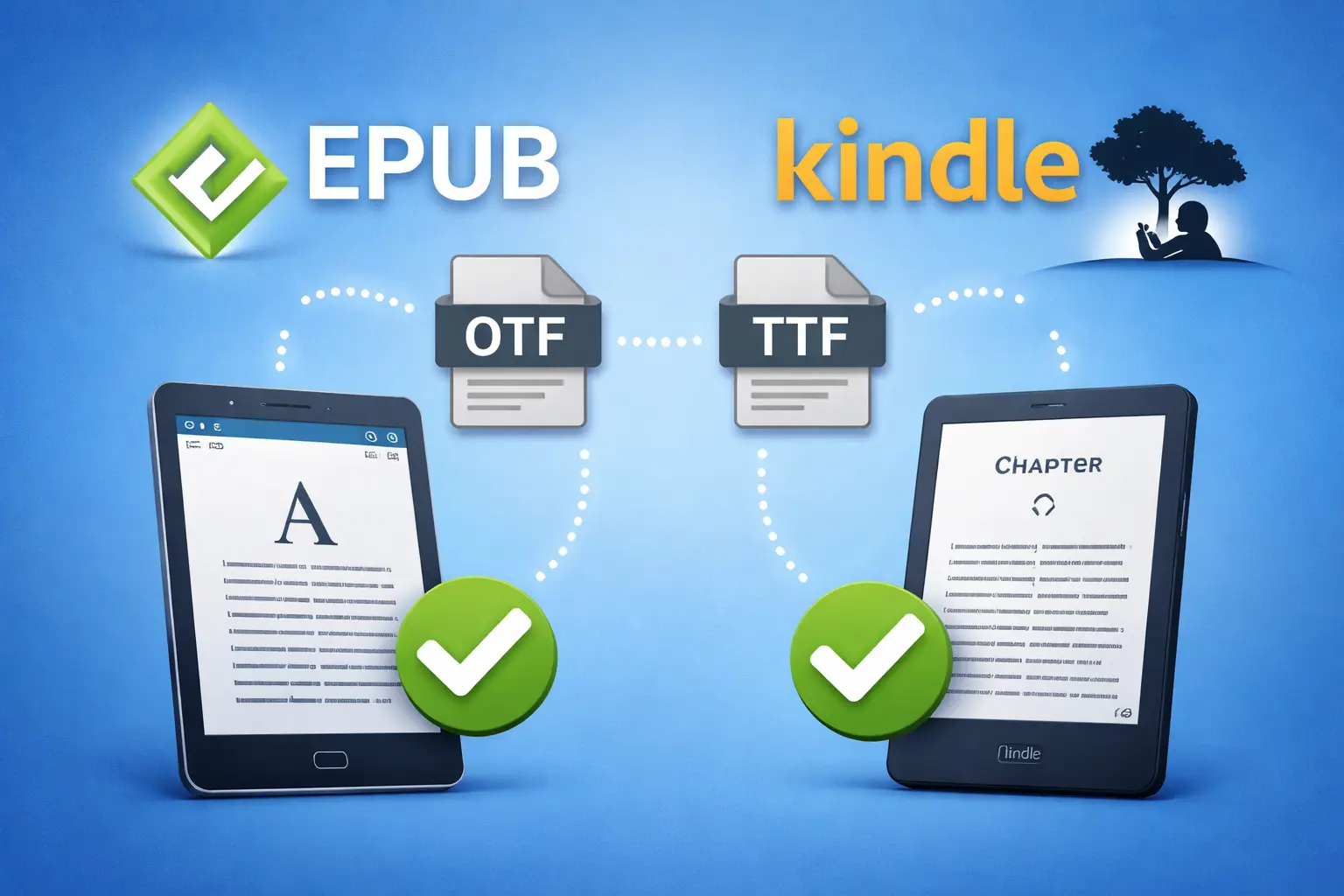
Yes. Both EPUB and Kindle support OTF and TTF fonts.
That said, support does not always mean control. On Kindle, readers on supported devices and apps can turn publisher fonts on or off. This means your chosen embedded font may not always be the final font the reader sees. For standard reflowable books, Kindle also recommends using default device fonts unless an embedded font is necessary to preserve the intended design or meaning.
This is one of the most important things authors miss. Just because you can embed a font does not always mean you should.
When TTF makes sense for eBooks
TTF is often a practical choice when the font you want is provided in TrueType format and displays cleanly across reading devices. It is familiar, widely supported, and still fully relevant in modern publishing.
If you are working with a straightforward typeface for body text, and the TTF version renders well in your EPUB or Kindle preview, there is usually no reason to avoid it. A good TTF font can be a perfectly solid choice for novels, nonfiction, and other text-heavy books.
When OTF makes sense for eBooks
OTF is a smart choice when the font is distributed that way by default or when it includes OpenType features that matter for your design. It is also the correct format when the font contains only CFF outline data.
That does not mean OTF is automatically better for eBooks. In many cases, readers will never notice the technical difference. What they will notice is whether the text feels easy to read, whether the font displays properly, and whether the book behaves well on their device.
For eBooks, good user experience beats technical label every time.
What matters more than OTF vs TTF
For most publishers, the real checklist is simple.
First, make sure the font license allows embedding. A font that looks great but cannot legally be embedded is not the right choice.
Second, test the font in the actual reading environments your audience uses. A font that looks polished on your desktop may behave differently in EPUB readers or Kindle apps.
Third, think about the type of book you are publishing. If it is a standard reflowable eBook, body text should stay clean and readable. Overriding font settings too aggressively can interfere with reader preferences and hurt usability. If it is a fixed-layout book, visual control matters more, so embedded fonts are often more important.
Which format is better for eBooks?
There is no universal winner.
If your font is only available as TTF, that can be completely fine. If it is only available as OTF, that can also be fine. If both versions are available, the best option is usually the one that is licensed correctly, renders well in testing, and supports the reading experience you want.
For most reflowable eBooks, readability and compatibility matter more than the file extension. For most fixed-layout eBooks, preserving the intended design may matter more.
So the simplest answer is this: use the version that performs best in real previews and does not get in the reader’s way.
Final thoughts
The OTF vs TTF debate matters less than many authors think. Both formats work in modern eBook publishing. The smarter decision usually comes down to practical testing, font licensing, and whether the font improves the book instead of simply adding complexity.
Once your EPUB is ready, protecting and delivering it is the next step. EditionGuard helps publishers securely sell eBooks online with options like Adobe DRM, Readium LCP, and Social DRM, along with flexible integration tools for different sales workflows.
Start with a readable font. Test it well. Then make sure your eBook is delivered securely and professionally.
Ready to protect and distribute your eBooks? EditionGuard offers a free 14-day trial to help you get started.