


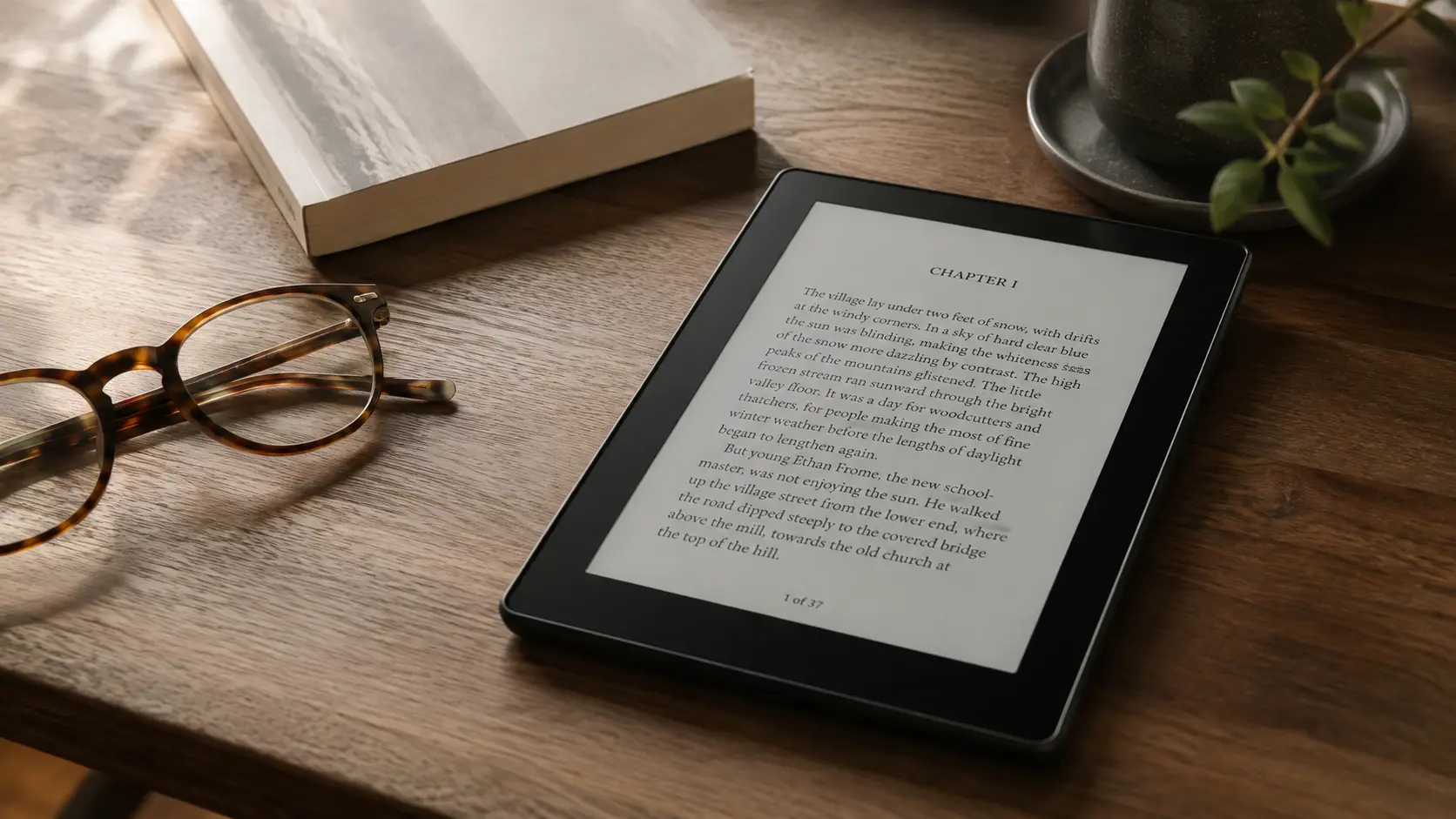
Bookerly is Amazon’s custom serif typeface for digital reading, introduced to Kindle readers in 2015. It was created specifically for long-form reading on screens and remains available across Kindle reading experiences today. However, there is an important distinction for anyone searching for a Bookerly font download: Bookerly is not an openly licensed font like Literata, so finding a font file online does not automatically mean you have permission to use or redistribute it.
If you are wondering where Bookerly came from, whether you can use it outside Kindle, or how it compares with fonts such as Literata and Caecilia, here is what you need to know.
What Is the Bookerly Font?
Bookerly is a serif typeface developed for Amazon’s Kindle ecosystem in collaboration with type design studio Dalton Maag. Amazon introduced it with the 2015 Kindle Paperwhite alongside a new typesetting engine designed to improve digital page layout.
According to Amazon, Bookerly was designed from the ground up for reading on digital screens. Its relatively light appearance, clear letterforms, spacing, and traditional book-inspired style were intended to make extended reading comfortable across different text sizes.
Bookerly also represented a shift in Kindle typography. Before its introduction, Caecilia was the familiar default typeface for many Kindle readers. Bookerly eventually replaced it as Amazon’s primary reading font and expanded to additional Kindle devices and apps.
More than a decade later, Bookerly has not disappeared. Amazon currently lists it as one of the font choices in Kindle for Web, alongside options such as Amazon Ember and OpenDyslexic.
Where Can You Get the Bookerly Font?
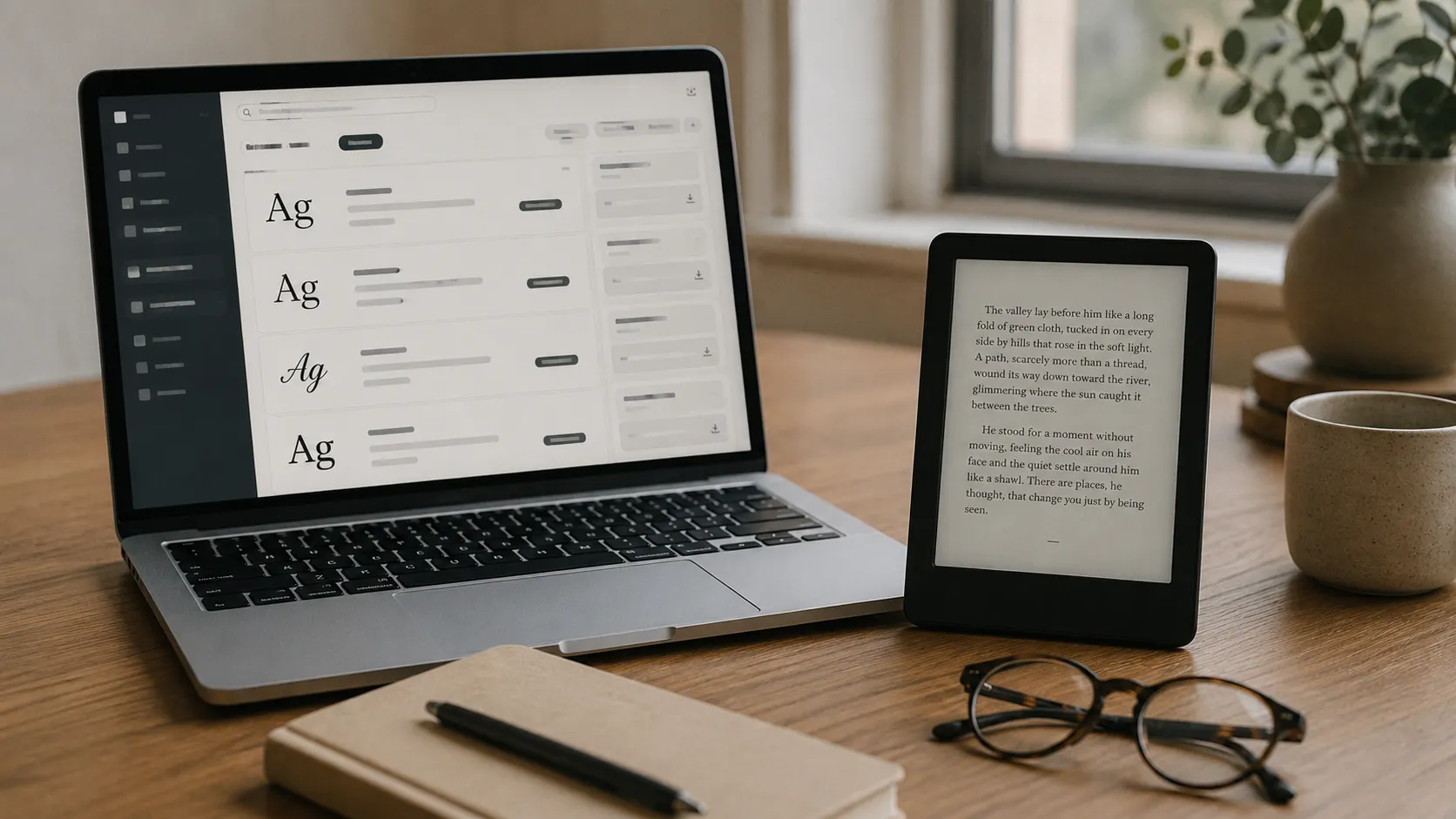
If you simply want to read with Bookerly on Kindle, you generally do not need to download anything. On supported Kindle devices and reading apps, you can select Bookerly through the reading or typography settings.
The situation is different if you want the actual font files for use on a computer, website, ebook, or another e-reader.
Amazon does make Amazon typefaces, including Bookerly, available through some of its developer resources. For example, its Alexa design documentation provides the fonts to designers working on compatible multimodal experiences. That availability should not be interpreted as a general open-source license for unrestricted personal, commercial, or publishing use.
You may also find third-party websites offering a “free Bookerly download.” Be cautious. A font being downloadable does not mean the site has the right to distribute it or that the file comes with a license allowing you to use it in published work.
If you need a font for an ebook you plan to distribute commercially, always check its license before embedding it.
Can You Use Bookerly on Kobo or Other E-Readers?
Technically, some non-Kindle e-readers support custom font files. Kobo, for example, officially allows users to load .ttf and .otf fonts onto compatible Kobo eReaders.
That does not solve the licensing issue, however.
To add Bookerly to another device legitimately, you would still need to obtain the font from a source and under terms that permit that use. Downloading an unofficial copy simply because Kobo supports custom fonts is not the same as having permission to use Bookerly.
For readers who want a similar screen-focused serif without that uncertainty, an openly licensed alternative may be the better option.
Bookerly vs. Literata: Which Is Better?
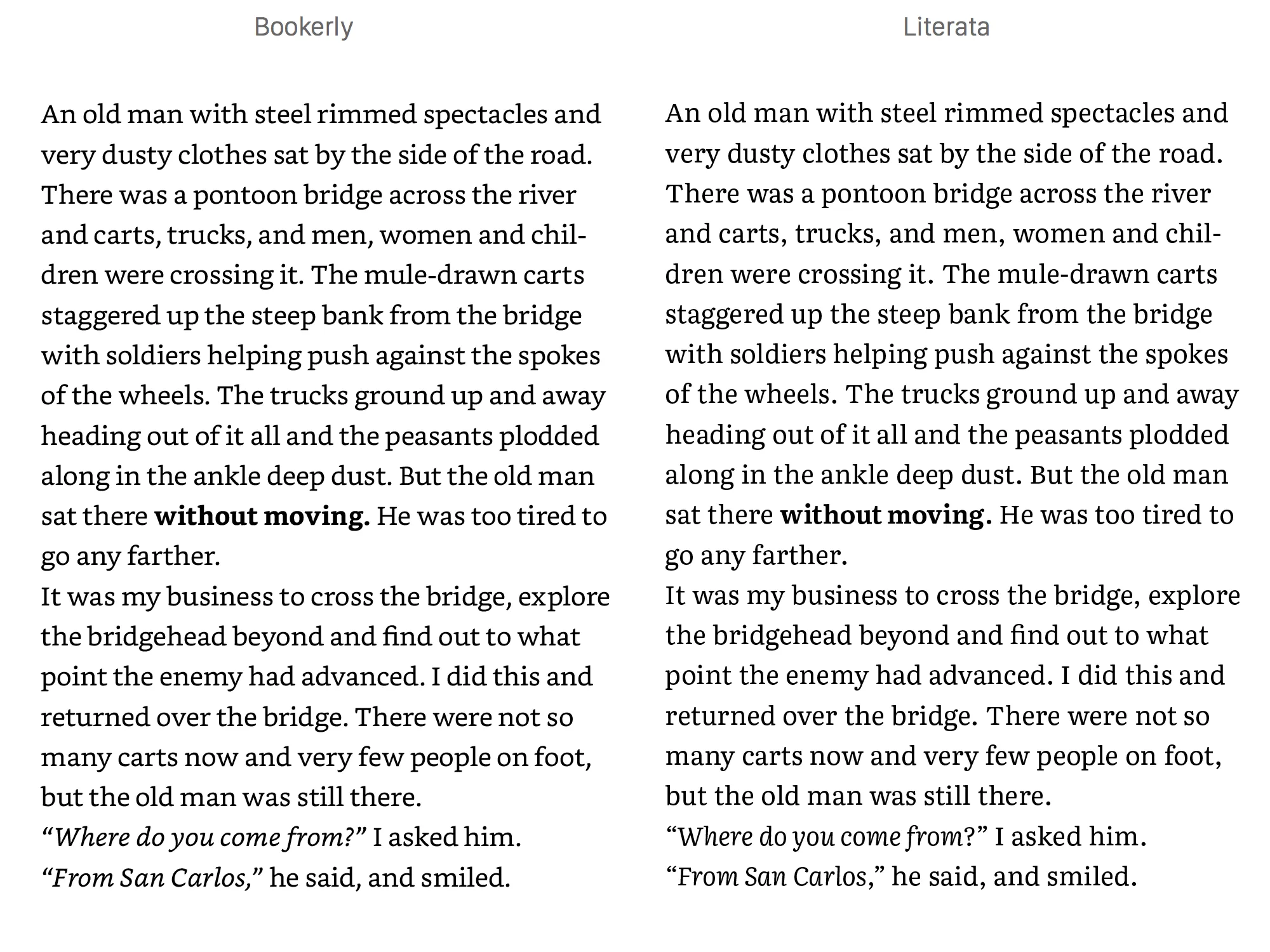
Bookerly and Literata are frequently compared because both were created during the same era to improve long-form digital reading.
Bookerly was created for Amazon’s Kindle ecosystem. Its design is closely associated with Kindle, and Amazon controls its distribution and permitted uses.
Literata, meanwhile, was commissioned by Google for Google Play Books and designed by TypeTogether. It was later expanded into a variable font family and released under the SIL Open Font License. Today, Literata can be downloaded and used much more freely, making it especially appealing to designers, developers, and independent publishers.
For someone choosing a reading font inside Kindle, Bookerly may be the natural option. For an author or publisher looking for a font to use in their own digital publishing workflow, Literata offers significantly clearer licensing flexibility.
Neither is universally “more readable.” Font size, screen type, line spacing, contrast, and individual reader preferences can matter just as much as the typeface itself.
Bookerly vs. Caecilia
Caecilia has a long history with Kindle and was Amazon’s default reading typeface before Bookerly took its place.
The visual difference is noticeable. Caecilia is a slab serif, with heavier and more pronounced serifs. Bookerly has a lighter, more traditional book-text appearance that more closely resembles the typography readers might expect in a printed novel.
Some longtime Kindle users still prefer Caecilia’s heavier character shapes, while others find Bookerly less visually dense for extended reading. This is largely a matter of preference rather than a simple winner-or-loser comparison.
Should Authors Use Bookerly in Their eBooks?
Authors generally do not need to design an ebook around Bookerly for Kindle readers to experience it. Reflowable ebooks allow readers to adjust settings such as font face, size, margins, and spacing according to their preferences.
If you want to embed a particular typeface into an EPUB, licensing becomes much more important. The license must specifically permit the kind of embedding and distribution your ebook requires.
That is another reason openly licensed fonts such as Literata can make more sense for independent publishing projects.
The font is only one part of a good digital reading experience. Clean ebook formatting, responsive text, accessible design, and reliable delivery matter too. With a secure ebook distribution platform such as EditionGuard, authors and publishers can deliver EPUB and PDF files while retaining control over how their digital books are distributed.
Bookerly Is Still a Kindle Favorite, but Check the License
Bookerly remains an important part of Kindle’s reading experience more than a decade after its introduction. Its longevity also explains why readers continue searching for Bookerly downloads and ways to use it on other devices.
For Kindle reading, the easiest and safest option is to use Bookerly directly within Amazon’s supported reading environment. For publishing, website design, or use on another e-reader, do not assume a downloadable copy is automatically free to use.
If you want a comparable digital-reading typeface with a much more flexible license, Literata is one of the strongest alternatives to consider.